
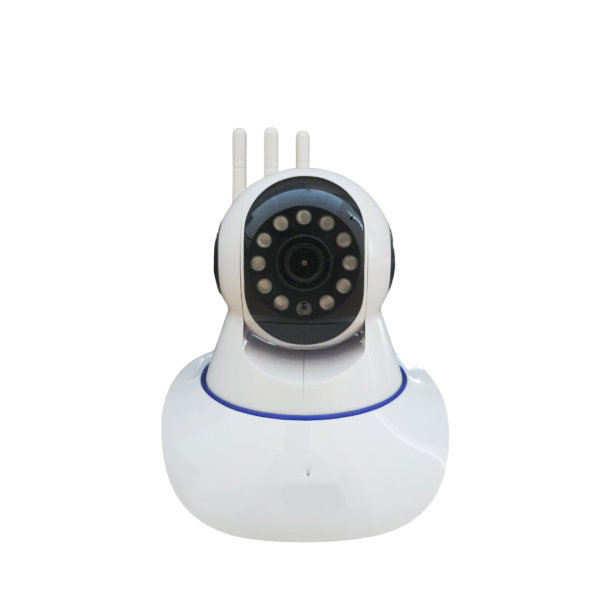
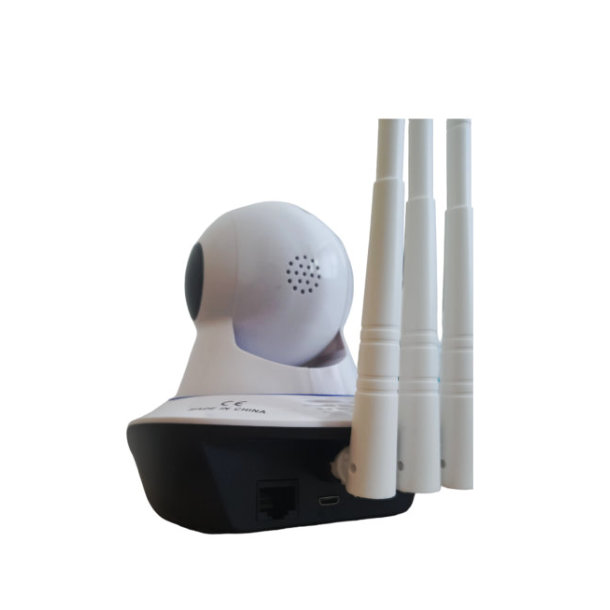
Indoor WiFi PTZ IP Camera – Yoosee App
Remotely monitor the camera from the app on your smartphone from anywhere.
Main Features:
WiFi
Micro SD Card Recording up to 128GB (Not included)
Alarm Function
Two-Way Audio (Talk to your camera and listen from your camera)
Pan Tilt Remotely
Ethernet Port
Instructions:
Download the Yoosee App from the Play Store.
Register for an account
Press and hold the reset button found next to the memory card slot for about 10 seconds till the camera makes a beep. (The reset button and memory card slot is found below the camera lens if you tilt the head of the camera upwards)
Make sure you are connected to the same WiFi that the camera will be connected to
Make sure your phone location is turned on
Click on the “+” sign in the top right-hand corner to add a camera
Click on smart addition at the bottom and then click next
Make sure the correct WiFi is selected and make sure the correct WiFi password is entered in
There will be a QR pattern displayed on your phone screen. Display the pattern infront of the camera at about 15-20cm away. Once scanned the camera will make a sound.and will go to the next screen in a few minutes.
Name your camera and click “Confirm”
Done!



Reviews
There are no reviews yet.